Keep trying until correct.
Students can use hints, revise their answer, and try again. They need a correct answer to earn their game turn.
For practice where you want students to keep working toward the answer.
 Join the library ↗
THE ABSOLUTEVALUEMATH GAMING LIBRARY
You choose the standards, skills and support.
Your students solve the math, earn a turn, and keep practicing.
For the review day you planned—and the one you didn’t.
$9/month or $90/year founding rates through November 1. $14/month or $140/year. Recurring subscription · Compare the plans ↓
REAL GAMES FROM INSIDE THE LIBRARY
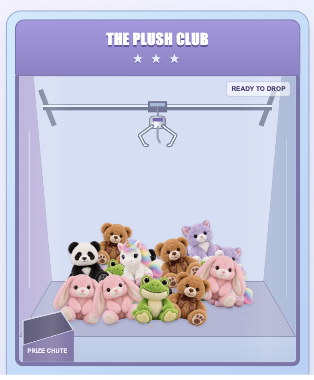
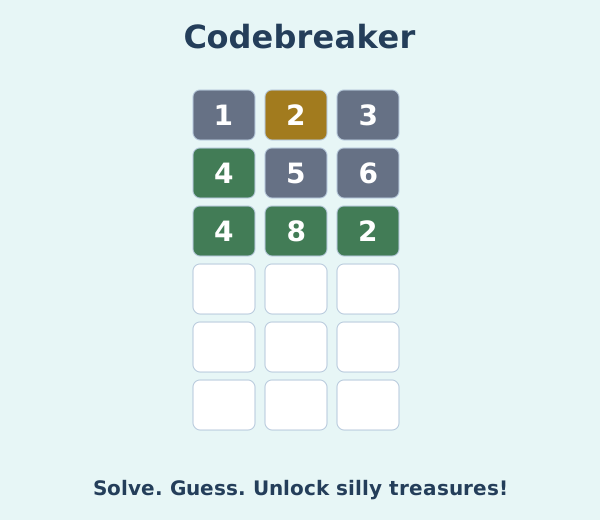
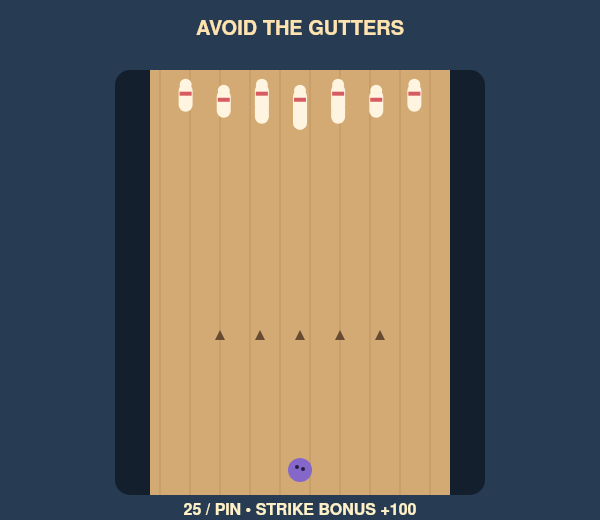
150academic games
Grades 3–Algebra 2including Geometry
Your skills. Your settings.with topic progress reports
FROM YOUR PLAN TO THEIR SCREENS
Make it a quick check, targeted practice,
or a review across several skills.
Open a grade folder, choose a game, then select a standards framework and the available skills your students need.
Pick multiple choice or short answer, any question count from 5–30, and what happens when a student gets stuck.
Share the assignment link. Students join with a nickname—no student account or library password needed. Follow their progress in your dashboard.
MORE CONTROL FOR YOU
You know what your class needs. Set the practice to match the skills you’re teaching and the support your students need today.
Framework filters use the questions already in each game. Mapped skills and coverage vary; this is not a promise of a complete curriculum for every state.
And you choose what happens when they get stuck ↓Sixth-grade Expressions Peg Drop
Loading the available skills…
Explore the settings above.
A settings example only. It does not create or share an assignment. In the library, you can also start a Whole Class Game.
NEW: BUILD YOUR OWN GAME
Different units. One review.
Choose the mix your students need.
Mix skills from different units to create a review for your class. Choose your grade, standards framework, skills, answer format, and question count—then share your student link.
Currently available with 3 game options: Peg Drop, Mystery Locker, and Puzzle Vault. More game options are planned.
Available for grades 3–8, Algebra 1, Geometry, and Algebra 2. You select from the library’s existing questions and mapped skills; you don’t need to write questions or build a game from scratch.
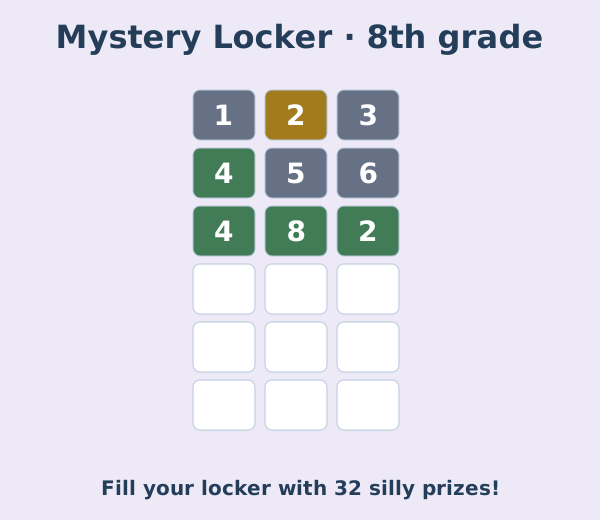
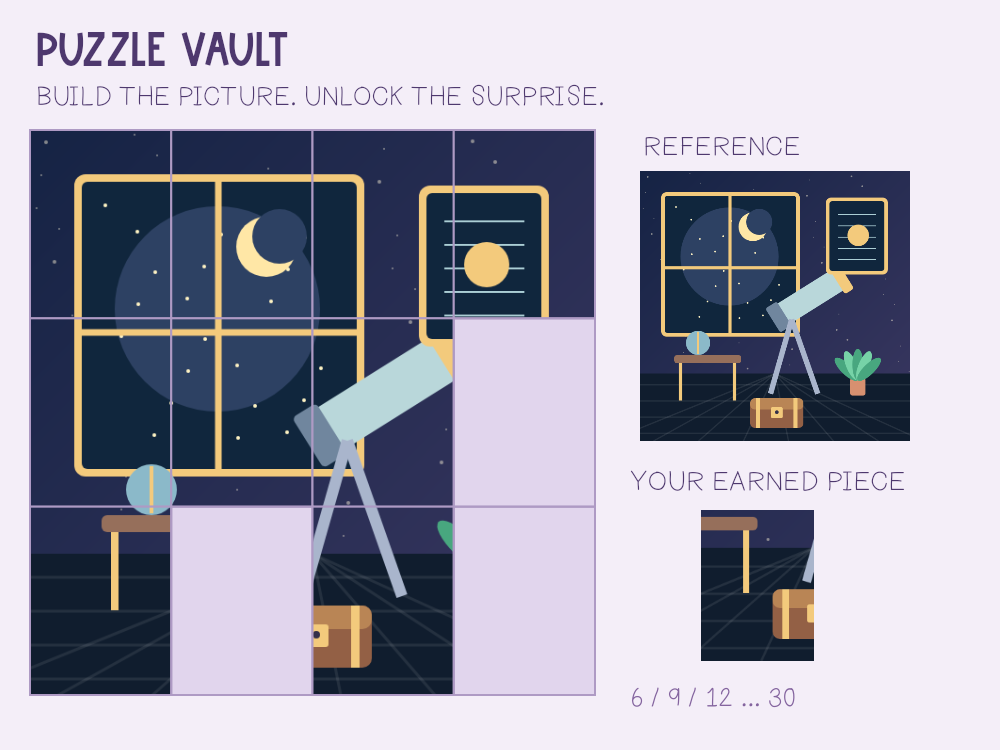
These three game options support custom reviews today.
SUPPORT IS A TEACHER CHOICE
Choose the retry setting
before starting an academic game.
Students can use hints, revise their answer, and try again. They need a correct answer to earn their game turn.
For practice where you want students to keep working toward the answer.
After three incorrect attempts, students see a worked-out solution explaining the steps. They can review it and move on.
No game turn or game points for a revealed answer. Correct answers still earn the normal turn.
SIMPLIFY THE EXPRESSION
3(x + 4) + 2x
Illustrative sixth-grade explanation.
SEE MORE THAN A GAME SCORE
Arcade points and math progress
are tracked separately.
Hosted sessions update as students play.
| Student | Questions completed | Game points |
|---|---|---|
| Student A | 6 / 12 | 550 |
| Student B | 6 / 12 | 425 |
| Student C | 6 / 12 | 375 |
Project the class scoreboard so students can follow their points while you keep the teacher dashboard private.
| Skill | Correct first try | Accuracy |
|---|---|---|
| Combine like terms6.EE.A.3 | 6 / 6 | 100% |
| Distributive property6.EE.A.3 | 4 / 6 | 67% |
| Factor out the GCF6.EE.A.3 | 1 / 6 | 17% |
This group may need another look at factoring. A high arcade score alone would not tell you that.
Use results to guide follow-up practice. Short rounds sample skills; they are not complete mastery assessments.
150 ACADEMIC GAMES—AND GROWING
Grades 3 through Algebra 2,
including Geometry.
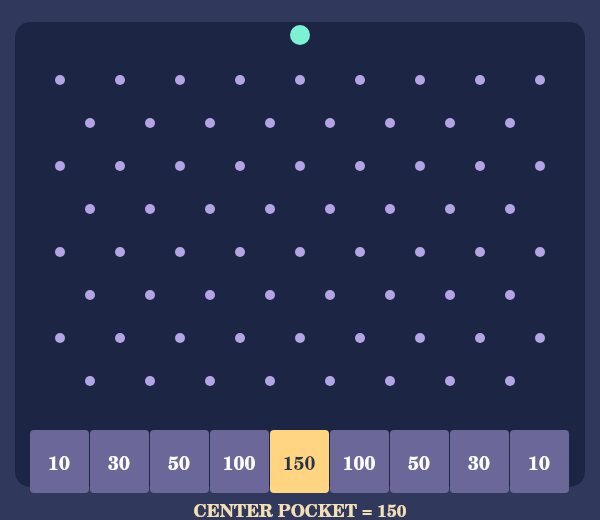
Solve, aim, and try to grab a plushie.
Earn chances to crack a secret code.
Keep practicing to discover what’s inside.
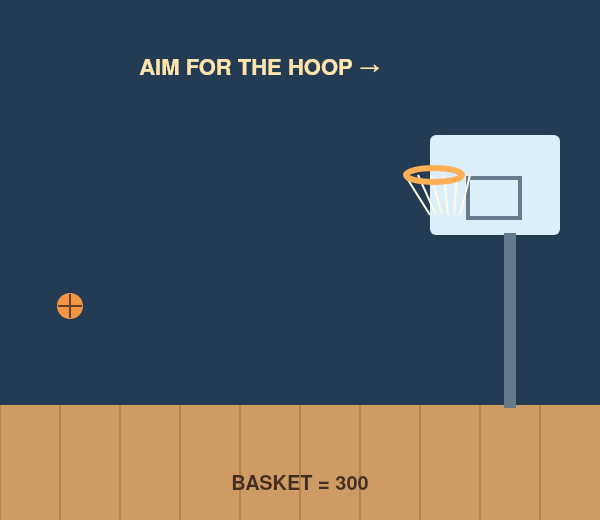
Earn a shot. Stop the aim. Go for points.
Answer the math, then make your drop.
Line up a roll and go for a strike.
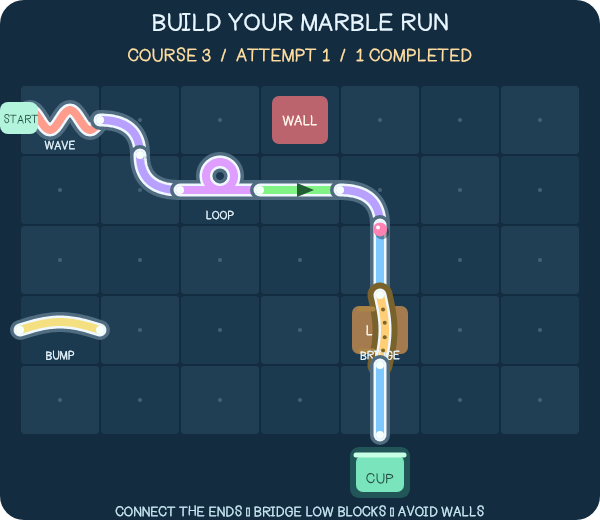
Earn a chance to build a path to the cup.
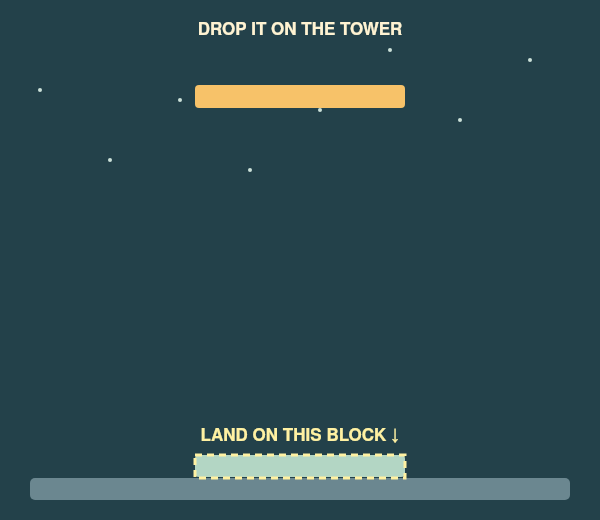
Time your drop and see how high you can stack.
These pictures are just a peek. Explore 150 academic games across grades 3 through Algebra 2, with new games and topics added monthly.
Topics vary by grade and game. The 150 count includes academic topic versions; the separate Just for Fun collection is an extra.
Find your next review-day game ↗FOR REAL SCHOOL DAYS
Choose the skills that need a second look and give students another way to practice them.
Set up the assignment ahead of time, share the student link, and check the results afterward.
Create separate assignments with different skills, question counts or answer formats.
Have focused practice ready for students who need something meaningful to work on next.
ONE ORGANIZED LIBRARY
Grade and course folders help you get to the right games. Search for the topic you need, then choose the available skills inside the game.
Plus a separate Just for Fun collection and additional activities for younger children.
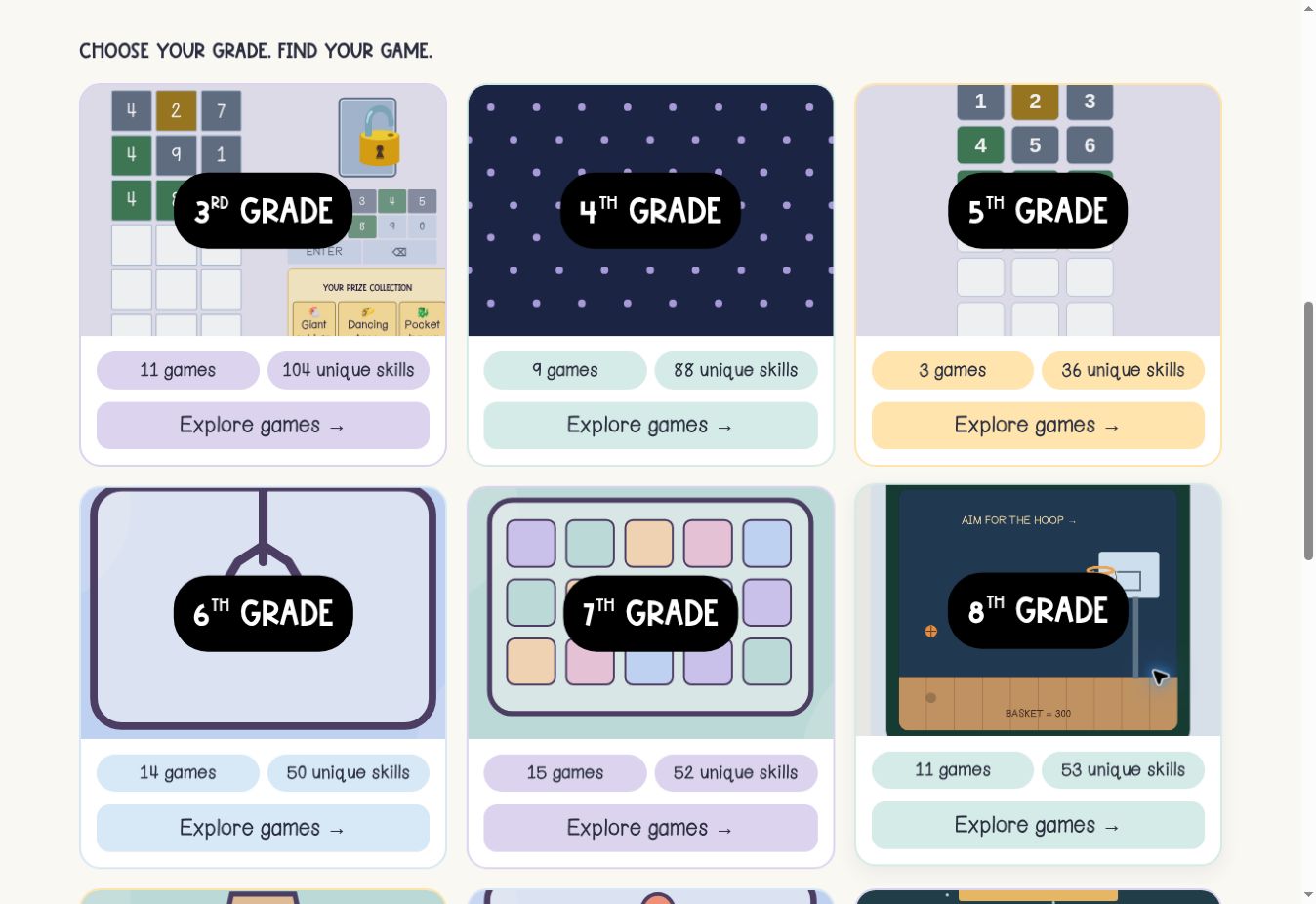 Inside the library · select image to enlarge ↗
FROM MY CLASSROOM TO YOURS
Sometimes your students need more practice than you planned. Sometimes yesterday’s lesson needs another day. And sometimes you just need something ready to share.
I created this library for those days. But making it easy to assign was only part of it. I wanted teachers to be able to choose meaningful math practice and still give students something they’re excited to do.
So I kept building: more skills, more teacher choices, more support when students get stuck, and reports that help you decide what to review next.
My goal is simple: give teachers something easy to use and give students a reason to keep practicing.
Bring the games to your classroom ↗SEE THE GAMES IN ACTION
Watch the game tour, then explore the teacher options above. The library continues to grow, so some newer features were added after this video.
Open the tour on YouTube ↗YOUR NEXT PRACTICE DAY, SORTED
Get the Online Gaming Library on its own. No Math Resource Membership purchase required.
Both plans include the full library, teacher controls, student links, live progress and downloadable topic reports—with new games and topics added monthly.
FOUNDING-MEMBER PRICING
Founding rates end November 1, 2026, at 11:59 p.m. Eastern.
Founding members keep their chosen rate while their subscription remains continuously active.
FOUNDING MONTHLY
New-member rate from Nov 2: $14/month
$9/month
Billed $9 every month.
Recurring monthly subscription.
FOUNDING ANNUAL
New-member rate from Nov 2: $140/year
$90/year
Equivalent to $7.50/month, billed $90 annually.
Save $18 per year compared with 12 monthly payments of $9.
Charged in full. Recurring annual subscription.
Select Monthly or Annual on the checkout page. Review the full subscription terms before purchasing. Both plans provide the same library access.
Have an idea? Members can request games and topics to help guide future additions.
BEFORE YOU JOIN
More about the teacher options,
access and classroom use.
Still have a question? I’m happy to help.
Questions? Email Jen ↗absolutevaluemath@gmail.comThe academic library has games for grades 3–8, Algebra 1, Geometry and Algebra 2. Topics and coverage vary by game. There are also additional younger-child activities and a separate Just for Fun collection.
Yes. Build Your Own Game lets you choose skills across units within one grade or course. It currently supports three game options: Peg Drop, Mystery Locker, and Puzzle Vault. Select from existing questions and mapped skills, choose your settings, and share the student link. Other library games keep their own available topic choices.
Choose Common Core, New York Next Generation, Texas TEKS, Florida B.E.S.T., or All Available Skills. The unit and skill choices update to show the mapped content already available in that game. Codes may include prerequisite or extension work from another grade. Selecting a framework does not create new questions or guarantee complete coverage of every state standard.
Yes. Academic game setups include multiple choice and short answer, and any whole-number count from 5–30. Some all-skills games also offer longer checks. Math-entry tools vary with the answer needed, such as fractions, exponents, coordinates or graphing.
You choose before starting. Students can keep trying until correct, or receive a worked-out solution after three incorrect attempts. A revealed answer does not earn a game turn or game points. Students can review the explanation and continue.
No. Teachers unlock the library with the current member password and create an assignment. Share that assignment’s student link: students join with a nickname—no account or library password needed. Share the generated student link, rather than the teacher setup page.
Yes. Whole Class Game lets you play together on a projected screen. For individual student play, create a hosted session and share the student link. You can also project the class scoreboard while keeping the teacher dashboard private.
Hosted sessions show scores and completion as students play. Download topic reports to review first-attempt accuracy, attempts, hints and worked solutions shown. The selected framework and mapped codes stay with the assignment. Arcade points are separate from math accuracy; use the results to guide follow-up practice.
Yes. Students need internet access and can use the assigned link in class or at home. Set an optional due date and time within the 30-day student-link window; submissions close automatically. You can still view results and download reports after closure or link expiration. Create a new assignment link when more time is needed.
No. This offer is the Online Gaming Library on its own. The Math Resource Membership is a separate offer for grades 6–9. You do not need to buy that membership to join the gaming library.
Annual gives you 12 months of the same full library with one payment. At the founding rate, $90/year saves $18 compared with 12 monthly payments of $9—equivalent to two months free. New games and topics added during your subscription are included.
Yes. Join by November 1, 2026, at 11:59 p.m. Eastern to keep your chosen founding rate while that subscription remains continuously active. If you cancel and later rejoin, the pricing available at that time applies.
Yes. The library is growing, with new games and topics added monthly. Members can request skills and game ideas to help guide future additions.